
Platform Tools
Everything you need to create,
in one place.
From your first idea to the final polish — start a design from a template, a blueprint, or an image you love, then refine it until it's ready to print, engrave, or press.
Make a Design
Three ways to start — a flexible template, a fill-in-the-blanks blueprint, or an image you want to understand.
AI Responsive Templates
Flexible starting points, not rigid outputs.
AI Responsive Templates go beyond one-off generations. Each template is designed to flex around your subject while keeping the style, proportions, and product-readiness locked in. Switch the subject, change the palette, swap the mood — the structure holds. The result is a design that looks intentional every time.
Try a Template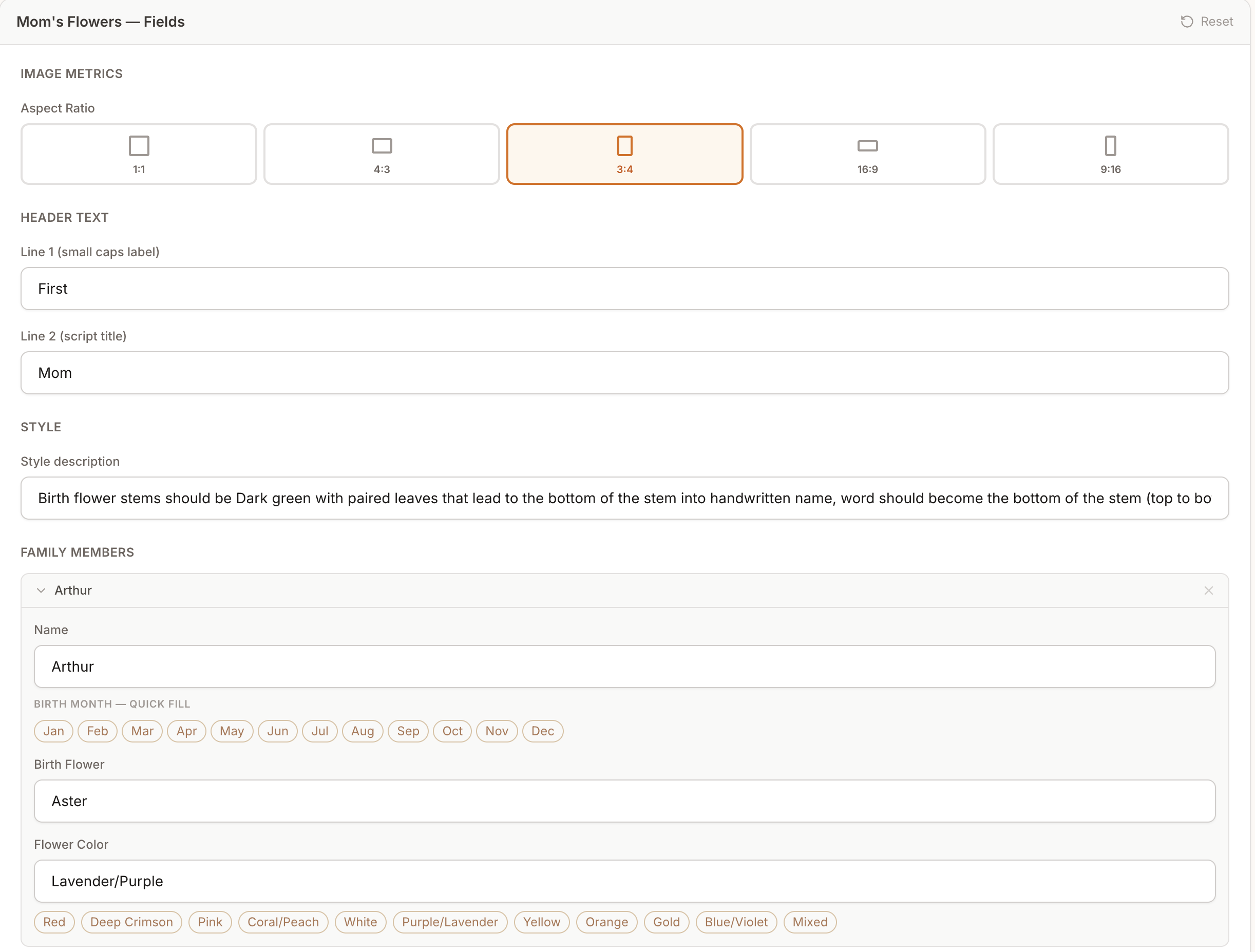
Prompt Blueprints
No more blank-page paralysis.
Prompt Blueprints are pre-built generation frameworks that break the creative process into simple, intuitive fields — subject, style, palette, mood. Fill in what matters to you; the Blueprint assembles a high-fidelity prompt behind the scenes. Every Blueprint is calibrated for real maker products: stickers, wood signs, apparel graphics, portraits, and more.
Explore Blueprints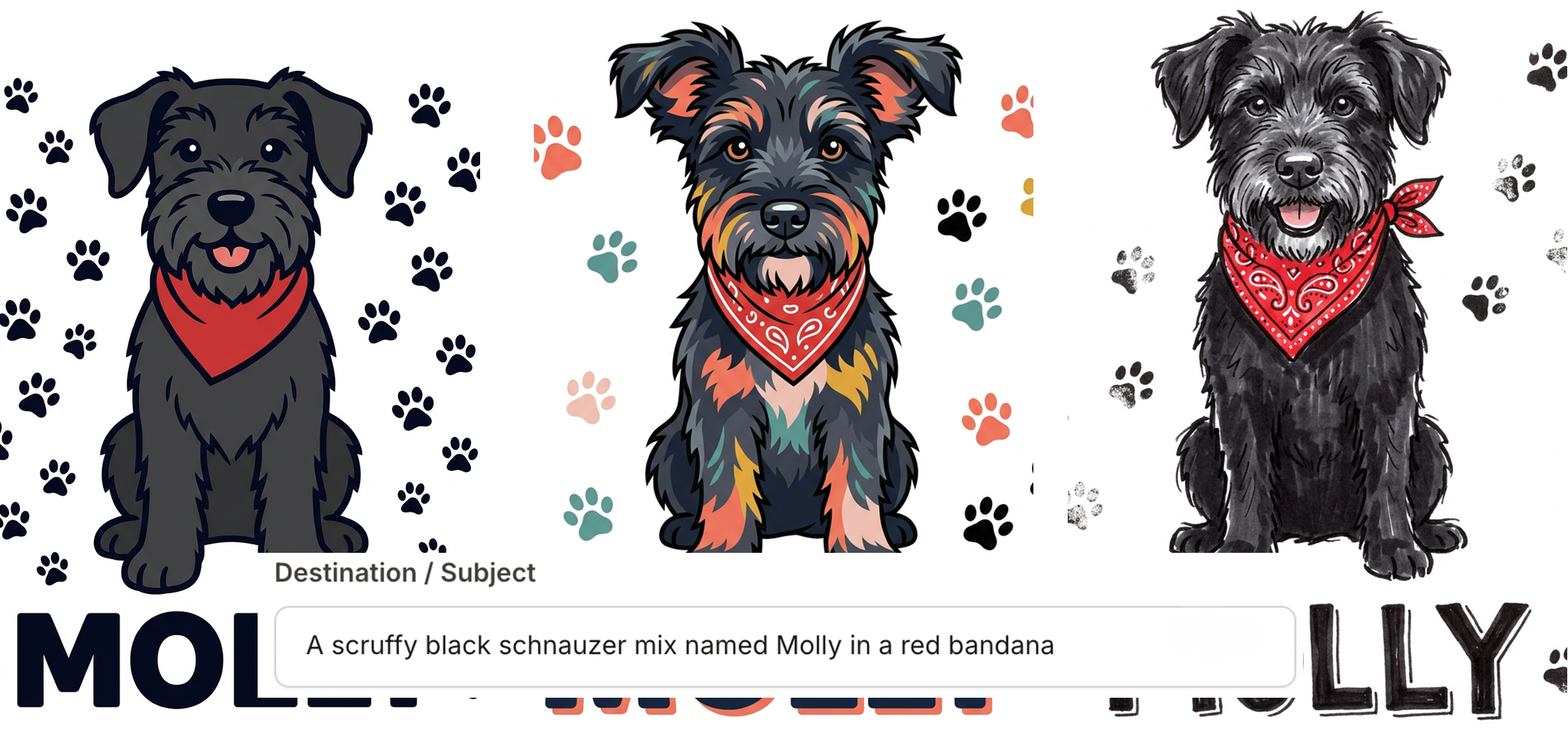
Reverse Engineer
Any image, back to a prompt.
See an image you love but can't describe? Upload it and Reverse Engineer writes a detailed, editable prompt that recreates it — analysing composition, lighting, colours, and style in seconds. The prompt drops straight into your Custom Prompt field, ready to generate with one click. Perfect for recreating a style you love or turning a best-seller into a whole product line with one consistent look.
Try Reverse Engineer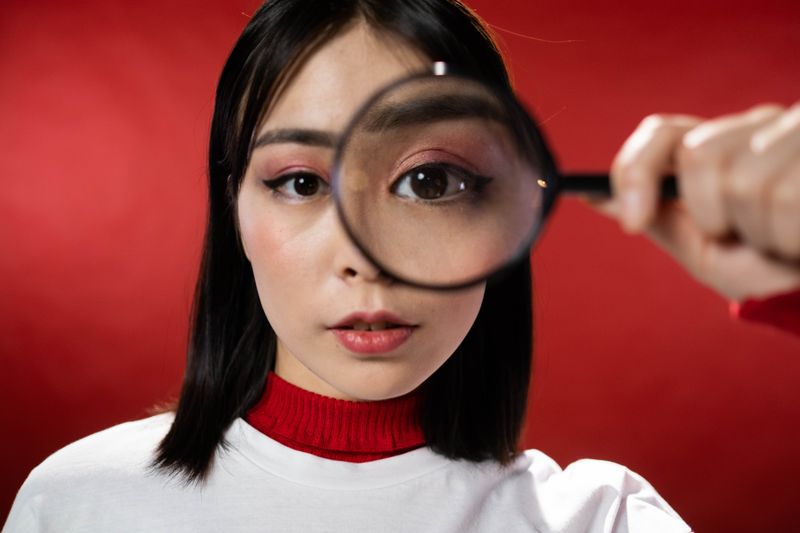
Make It Yours
Bring in your own photos and make precise changes — visual anchors, full-image refinements, and click-to-edit fixes.
Reference Image Upload
Show the AI exactly what you mean.
Upload any image — a photo, an illustration, a finished product — and use it as a visual anchor for your generation. The AI analyses the style, composition, and colour palette of your reference and factors it into the output. Perfect for matching an existing product line, fulfilling a custom order, or replicating a style you love.
Learn How It Works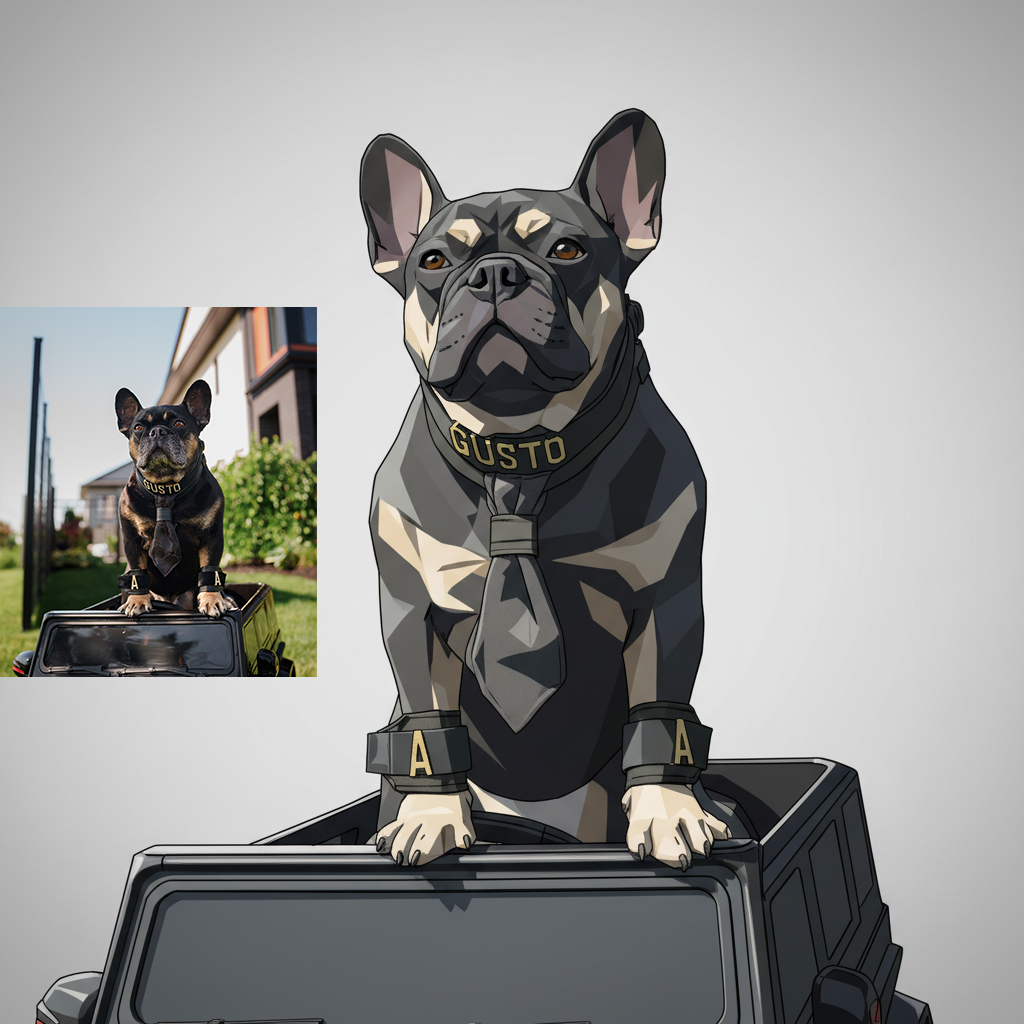
Image Refine
Got an image that's almost right?
Image Refine lets you re-imagine any design or photo — describe the change in plain words or pick from 58+ art styles and watch the AI redraw it instantly. Turn a best-seller into a holiday version, clean up a customer's photo before you engrave it, or keep refining until it's exactly what you want. No design skills required.
Open Image Refine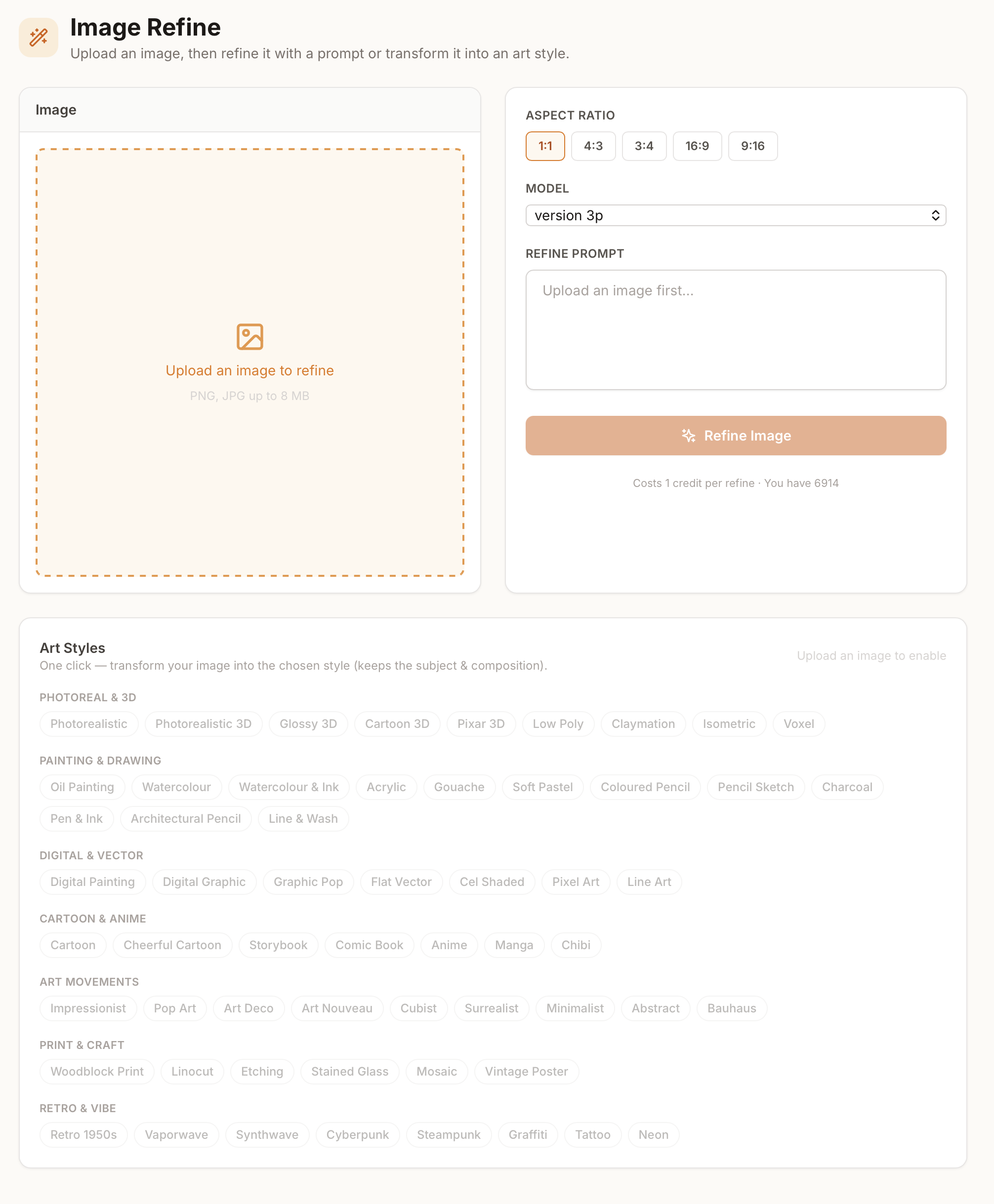
Object Editor
Edit just one thing.
The Object Editor fixes the one detail that's wrong without touching anything else. Let the AI map your image into clickable parts — text, subjects, objects, background — then click any of them to replace, remove, restyle, or re-text it. Every version lives on a branching history, so nothing is ever overwritten or lost.
Open Object Editor
Ready to Put These Tools to Work?
3 free credits on sign up. No credit card required.
Get Started Free